
Rest between sets.
Not between apps.
Recover is a rest timer for Apple Watch and iPhone. Pick a time, tap Start, and put your arm down — or your phone. Recover tells you when it’s time to go.
Download free on the App StoreFree · No account · No ads · iOS 27 and watchOS 27
Now on iPhone
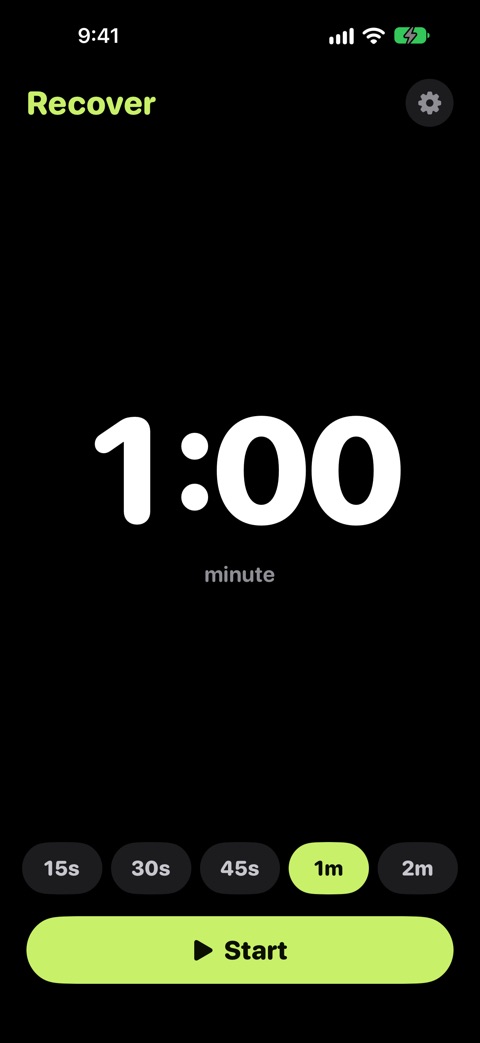
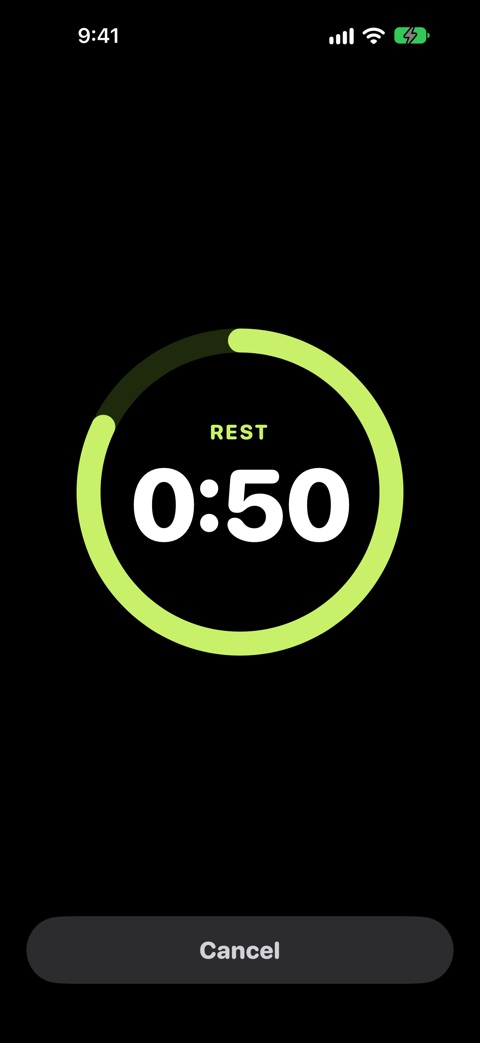
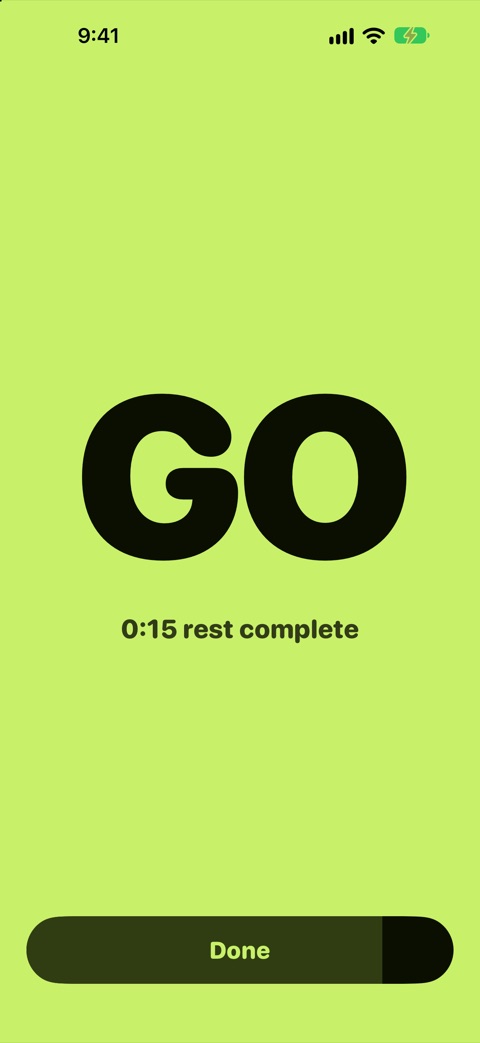
- Recover is now on iPhone, with the same presets, countdown ring, last-ten-seconds warning and GO screen.
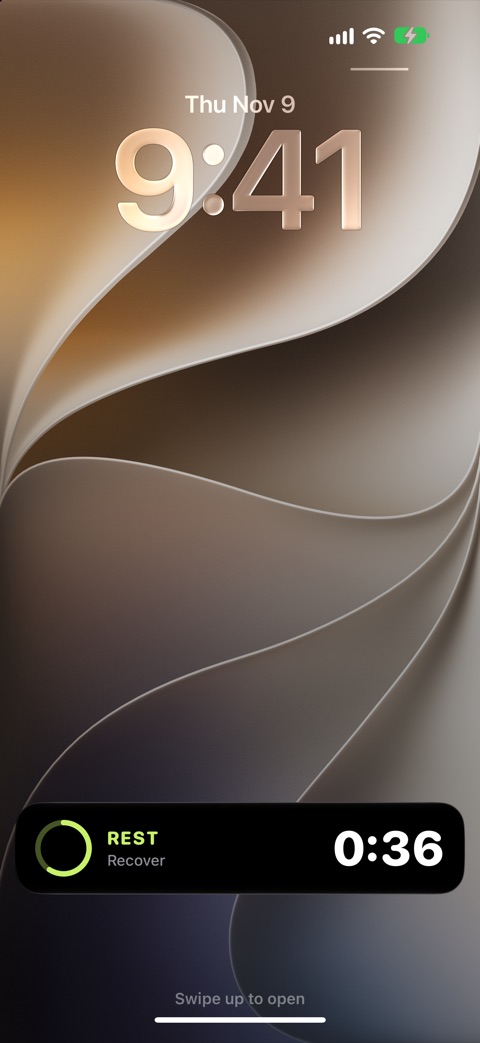
- Leave the app or lock your phone and the countdown carries on as a Live Activity on the Lock Screen and in the Dynamic Island.
- Customize your five rest presets in Settings, from 10 seconds to 10 minutes.
- The preset chips now fit on smaller watches and at larger text sizes.
- On Apple Watch, heart rate now shows only a recent reading, never an old one.
Five presets, your way
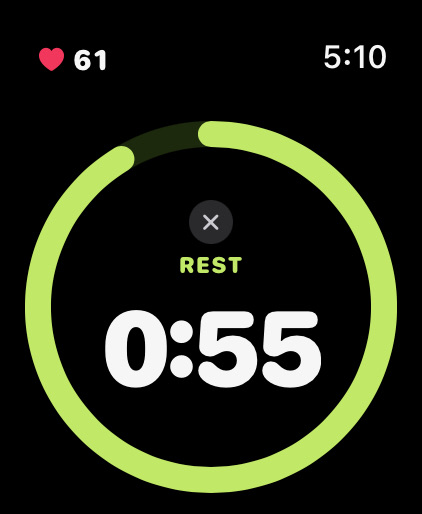
15s, 30s, 45s, 1 min and 2 min out of the box. Change any of them to anything from 10 seconds to 10 minutes. Recover remembers your last choice.
One big button
A full-width Start button you can hit mid-set without aiming. Turn the Digital Crown on your watch or swipe the time on your iPhone.
Live heart rate
Optional, on Apple Watch. Your current BPM sits at the top of the screen while you rest, so you can see when you’ve recovered.
Feel the last 10
The ring turns amber and you get a tap every second for the final ten, so you know it’s time to get set without looking.
Clear GO signal
A full-screen green GO you can catch in peripheral vision. It returns to Start on its own after five seconds.
Keeps going
On your watch it runs with your wrist down. On iPhone it follows you to the Lock Screen and Dynamic Island as a Live Activity.
On your watch face
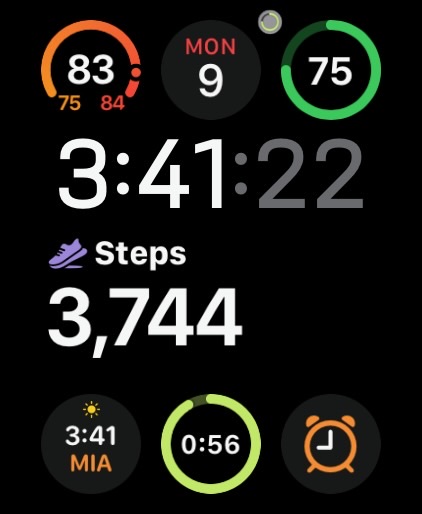
Add the Recover complication to see at a glance whether a rest is running, and tap it to jump back in.
Works on its own
The watch app works without your iPhone, and the iPhone app works without a watch.
Private by design
No accounts, no ads, no tracking. Heart rate is shown on your watch and never leaves it.